Looping clip
Make it first-person, or behind your hero
Scotty offers the view that suits your game, first-person included. Heroes can face away from you and turn the way they walk.
Scotty offers the view that suits your game, first-person included. Heroes can face away from you and turn the way they walk.
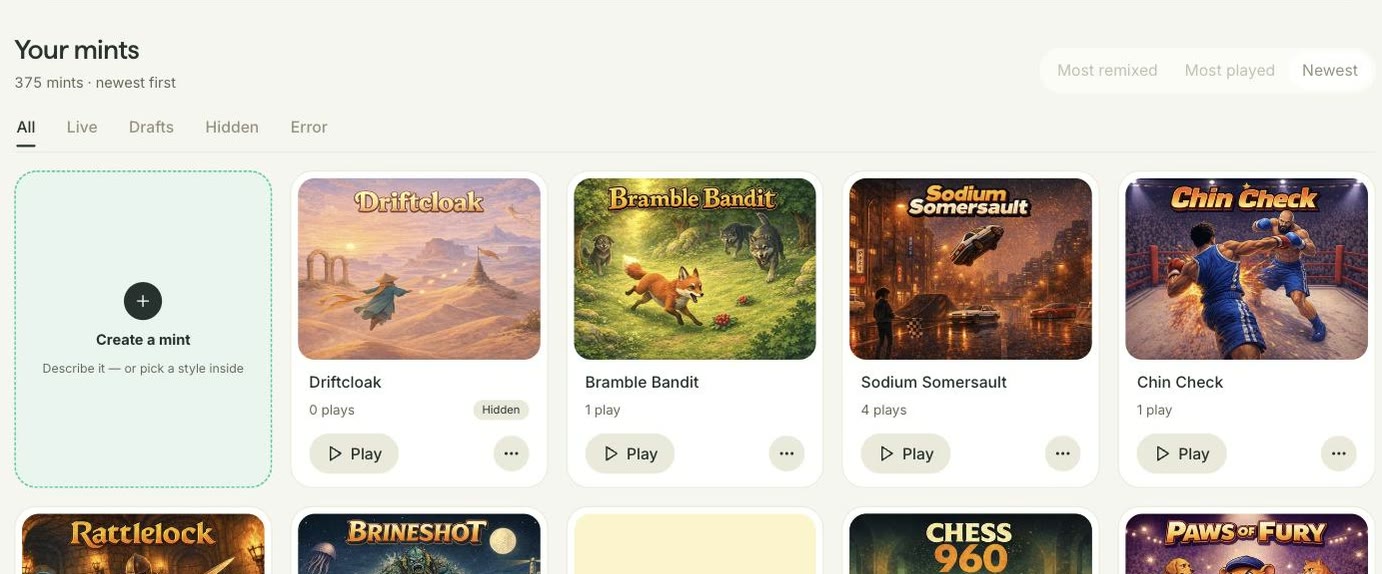
Profile sits in the nav, with every mint you’ve made, drafts included, to sort, filter and manage in one place.
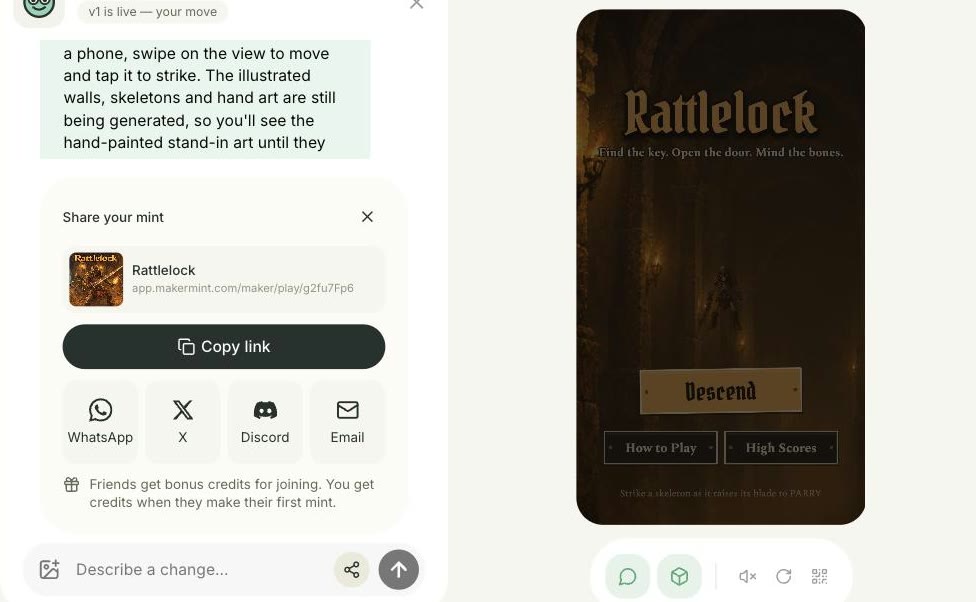
Once your mint is built it goes live by itself, and every new version goes live under the same link. The share key sits beside Send.
“Message us” on your profile opens a chat with our team. Replies come back there, with a dot on your profile circle when one’s new.
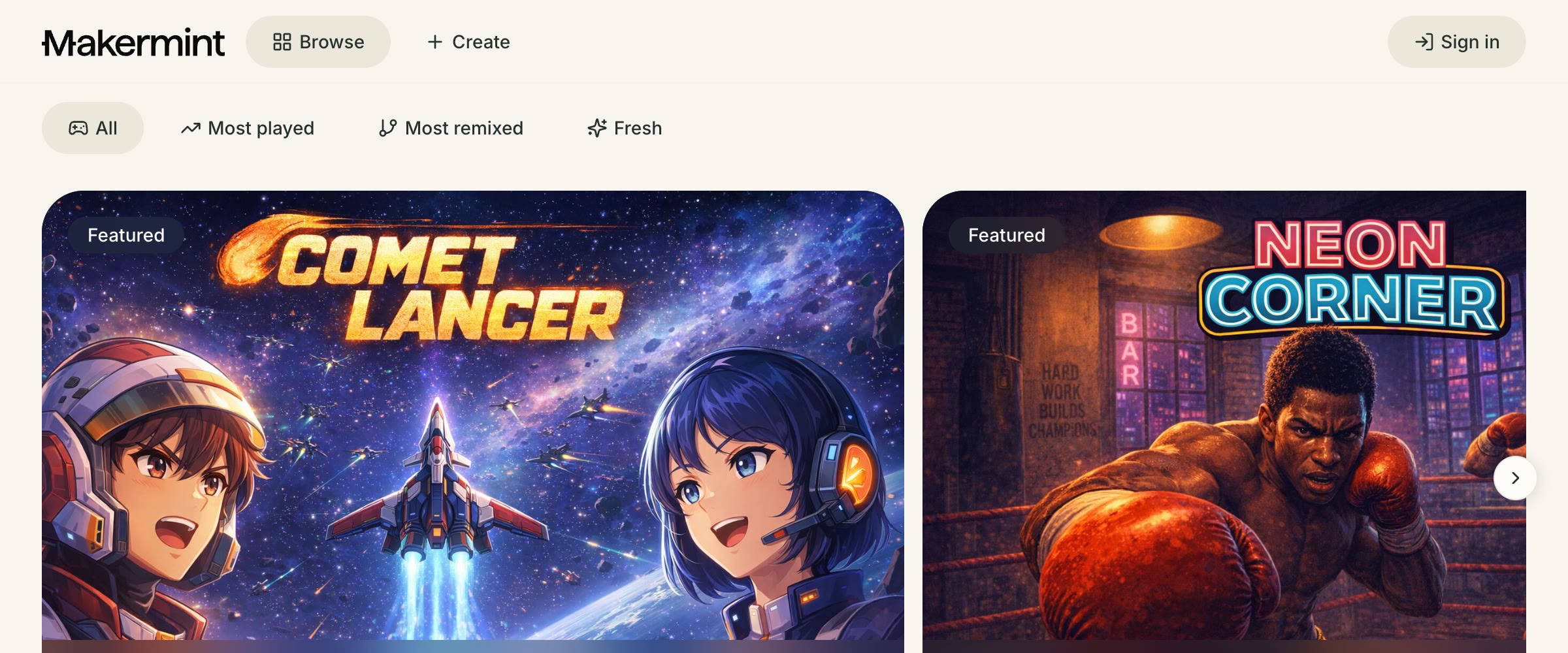
Open Makermint and the first thing you see is Browse, full of mints to play, whether you’re signed in or not.
In mints built since, a character’s walk and run play at the speed it moves, so its feet keep pace with the ground.
Also in this release
Scotty’s answers are sharper
No credits for an edit that asks or declines
Long requests are no longer cut short
Your mint has one name everywhere
Errors say what to do next
Players stand on platforms, not above them
Every new mint picks one viewpoint, and its floors, walls and characters are drawn to fit it. No more magenta boxes where art should be.
Idle, walk, run, jump and fall are built in, and any other move, from a jab to a goalkeeper dive, is animated from its description.
A new mint has to pass a final check before it’s ready. If it can’t be made, your credits are refunded.
Also in this release
Animating art while you edit works
Edited art keeps what you had
Edit cards say what really happened
Poses keep their true size
Small details stay in your art
Scotty is upfront about phone screens
No more countdown for an ad that never comes
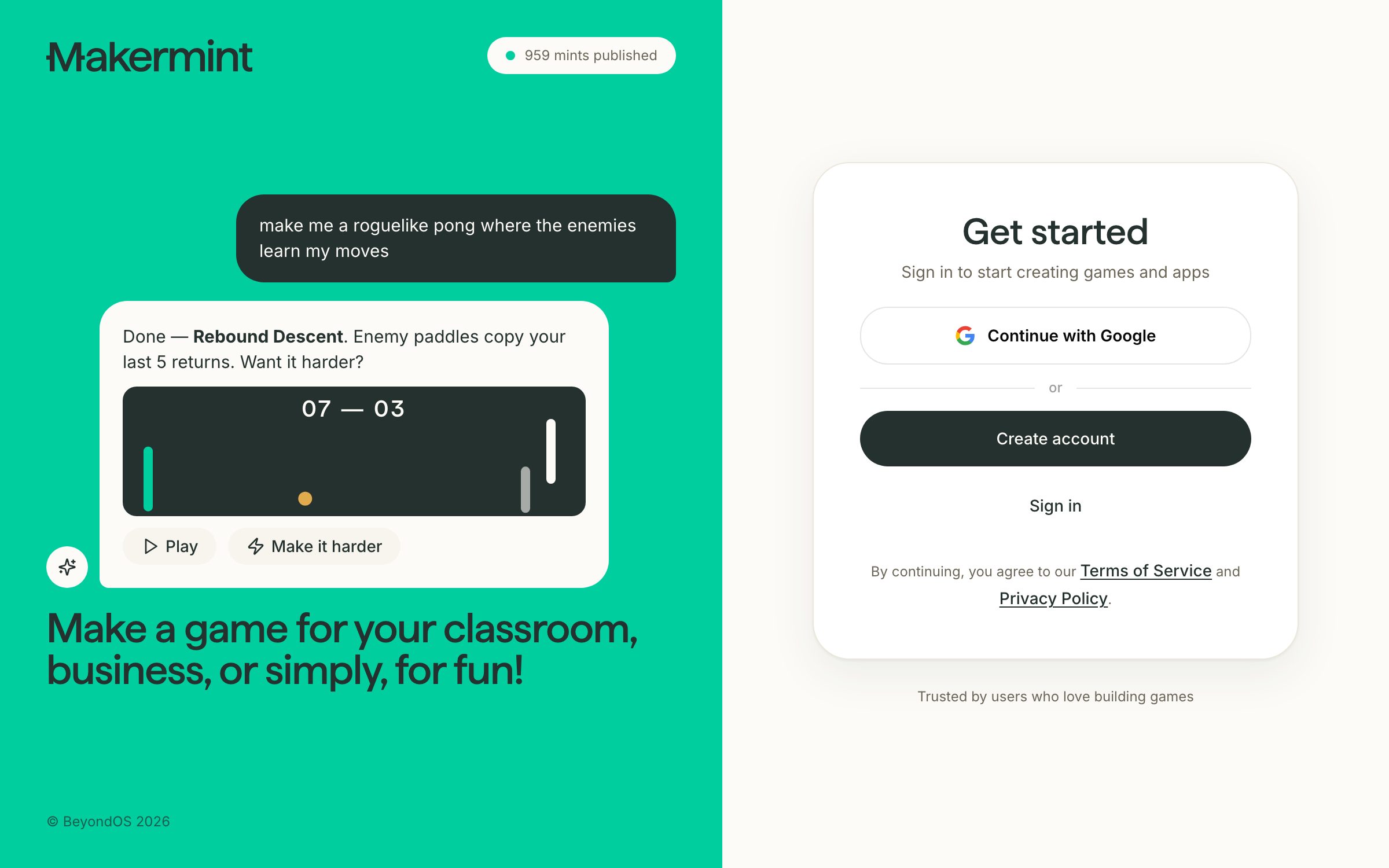
No more pop-up. Sign in on a page of its own, and it takes you back to where you were going.
Every new mint, including ones made with your own characters, is built with the strongest setup we have.
A play is counted when someone starts playing, not when the page loads, so the number means more.
Also in this release
Heroes stick to what you asked for
Creatures beside your hero show up
Colorful characters keep their colors
Every create button goes straight in
Character controls wait while your mint builds
A sticker never becomes your profile picture unasked
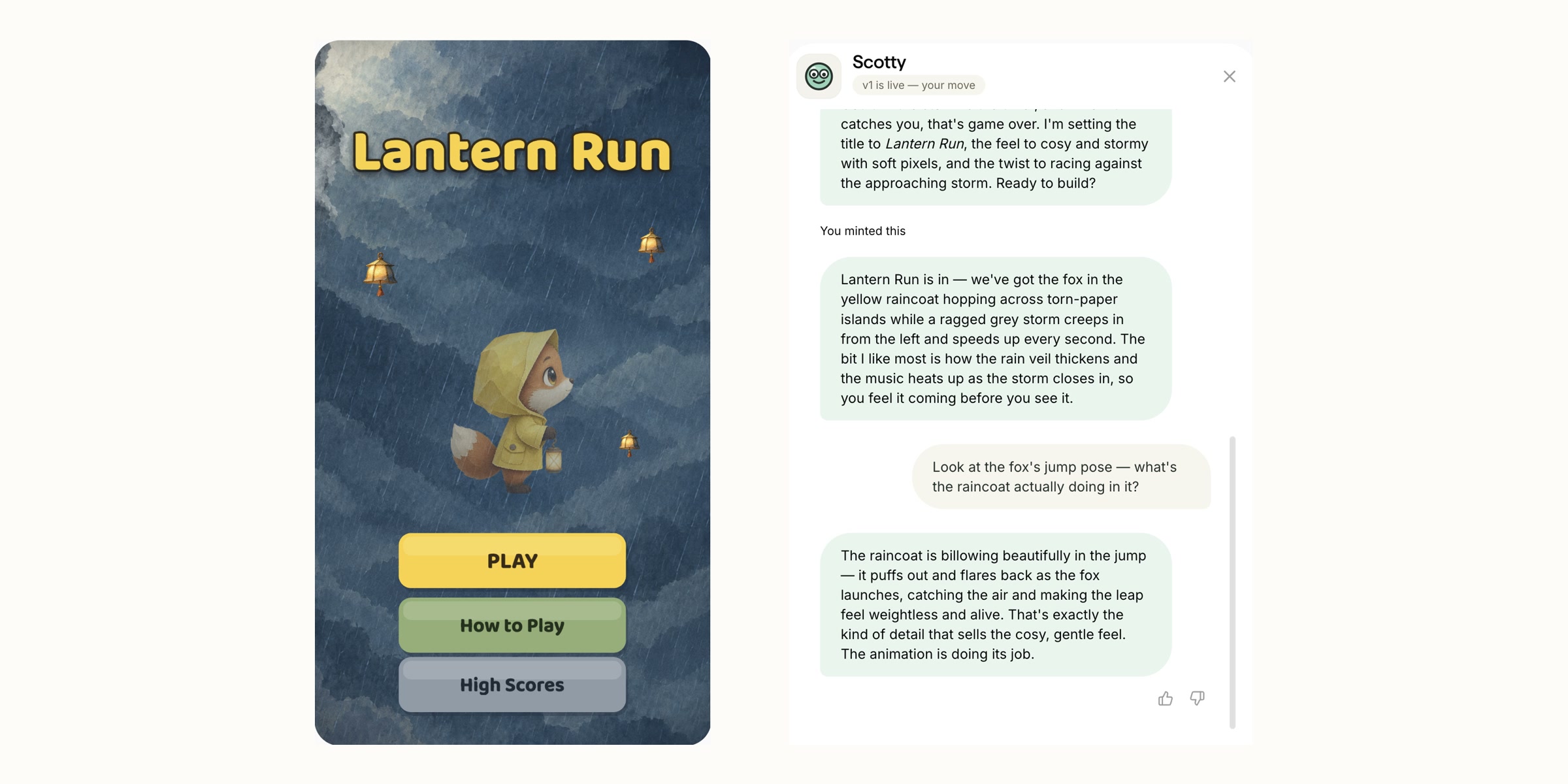
Ask about any art in your mint and the answer comes from what Scotty can see, not a guess.
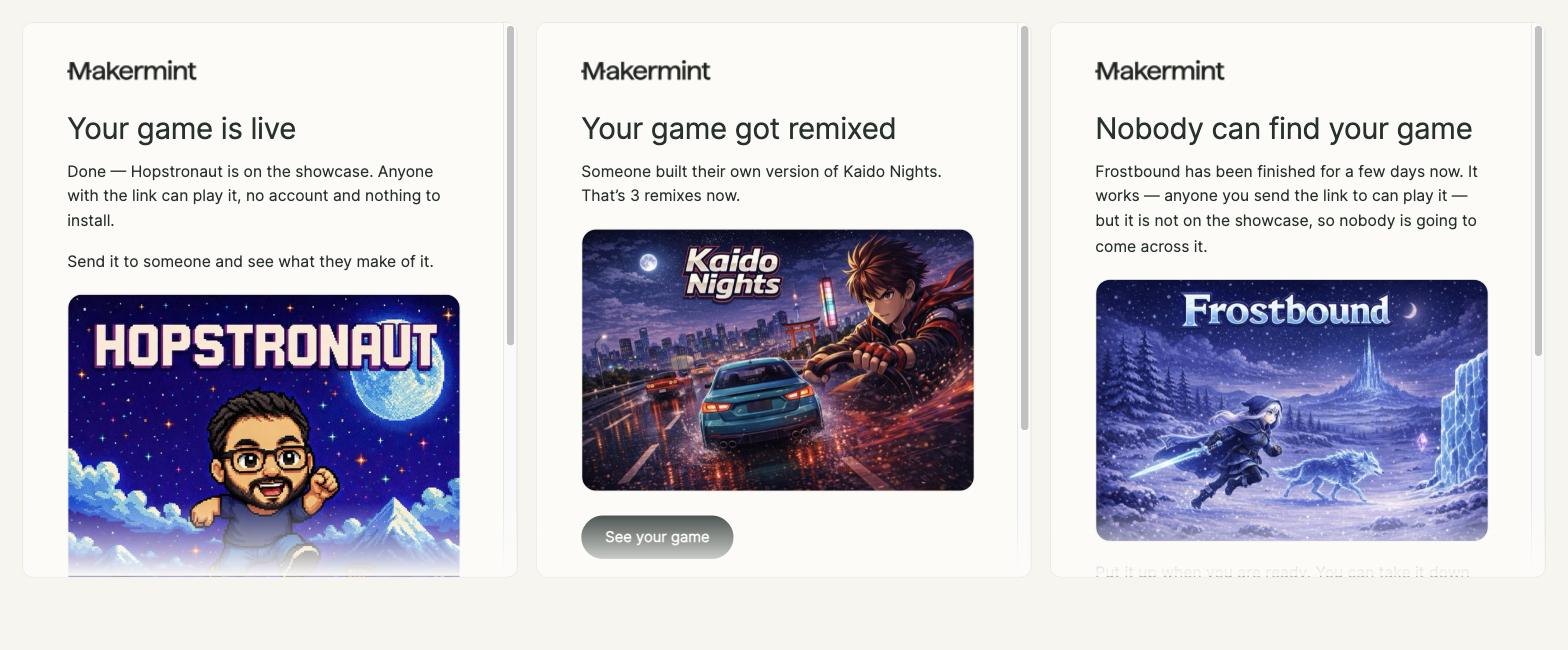
Built, live, remixed — you’ll hear about it. One email per thing, and only the ones you want.
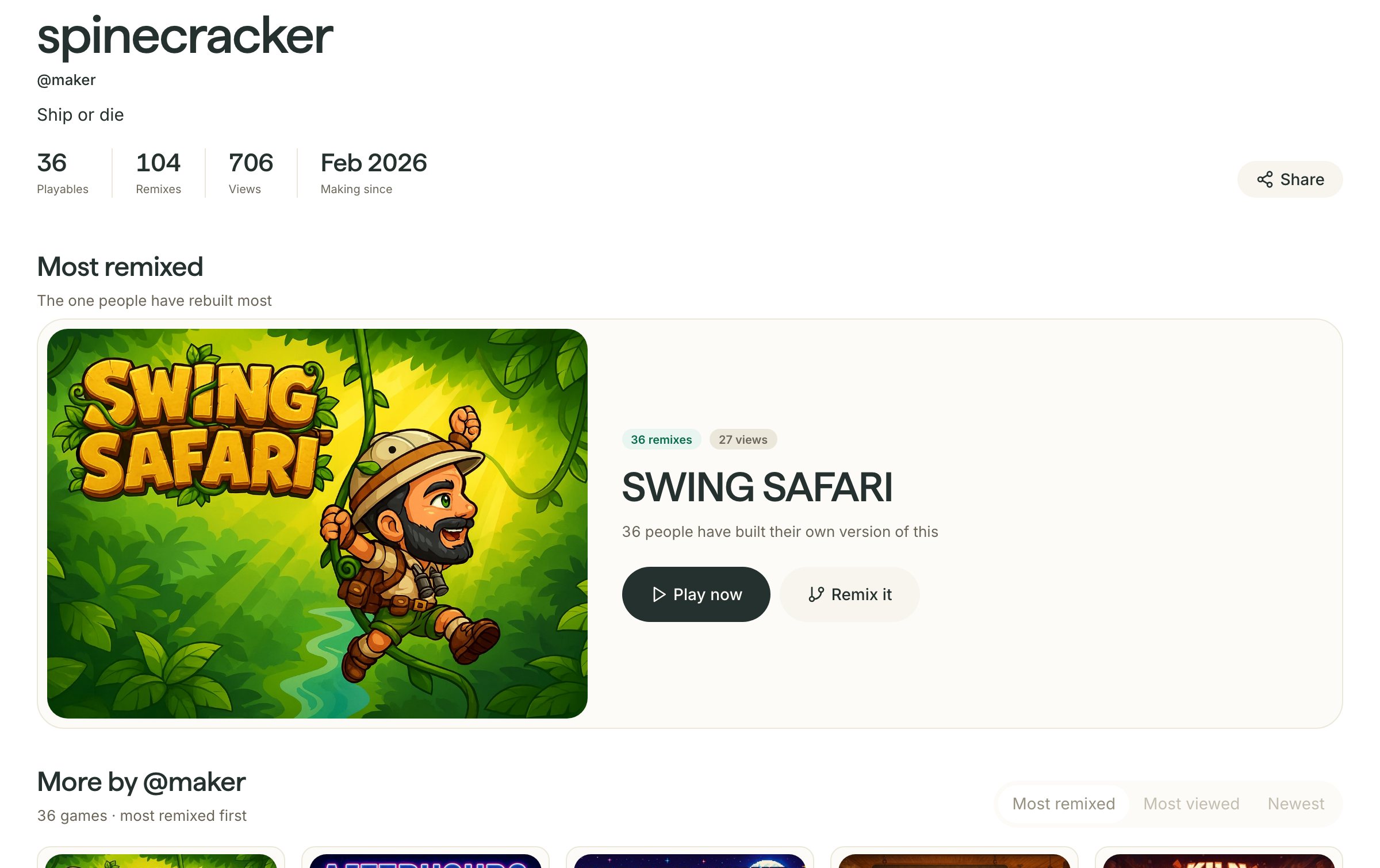
Everything you’ve made at one link. Share it anywhere and it turns into a proper card, not a bare link.
Also in this release
Characters are checked against what you described
Ask for a change and something actually changes
No more “still working on it” instead of an answer
Art tweaks keep more of what you already had
Your character looks like itself side-on and face-on
When something goes wrong, you get a real reason
Start your own mint from the one you’re playing
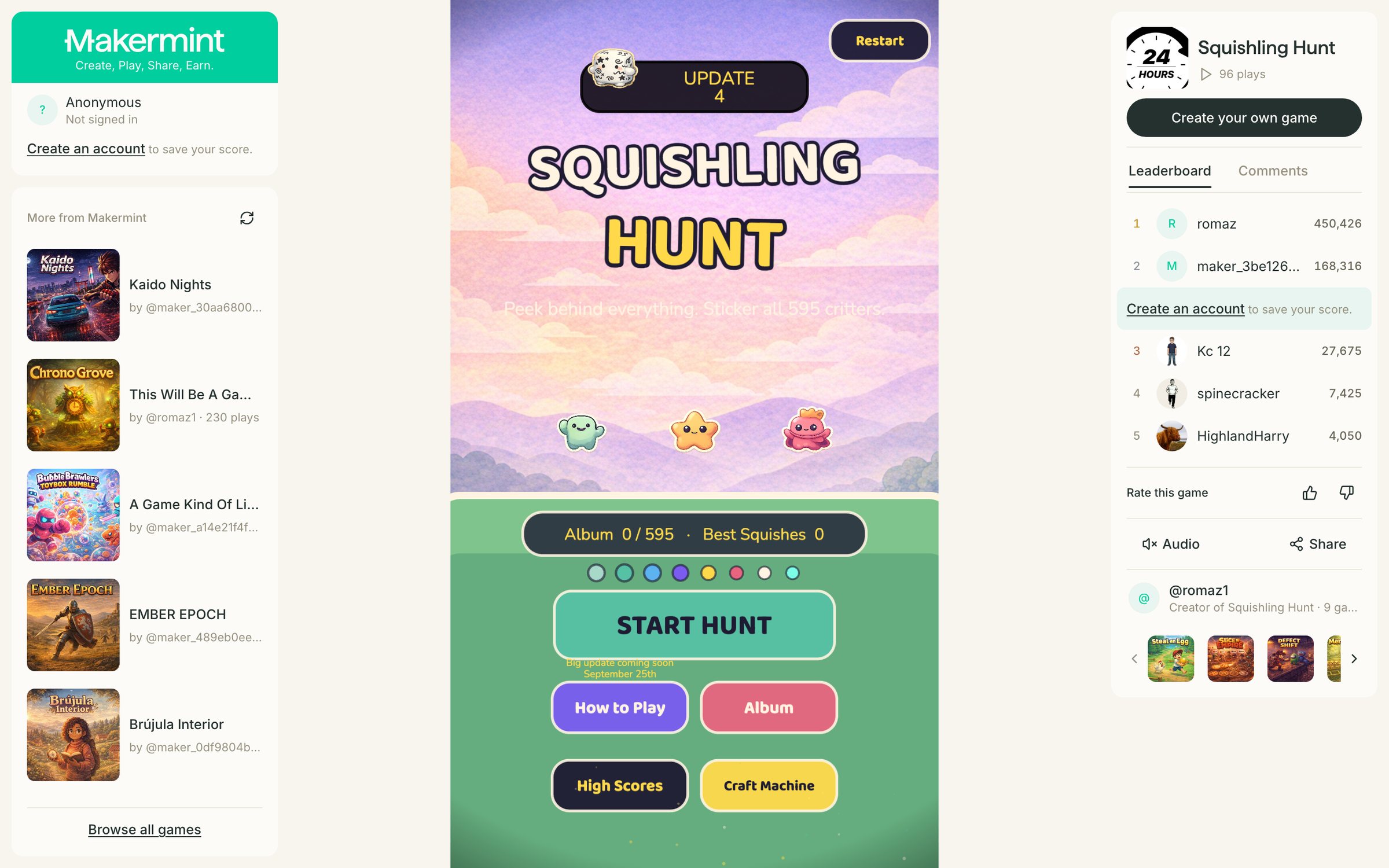
A leaderboard, a rating, the maker and the rest of what they’ve made — all around the mint you’re playing.
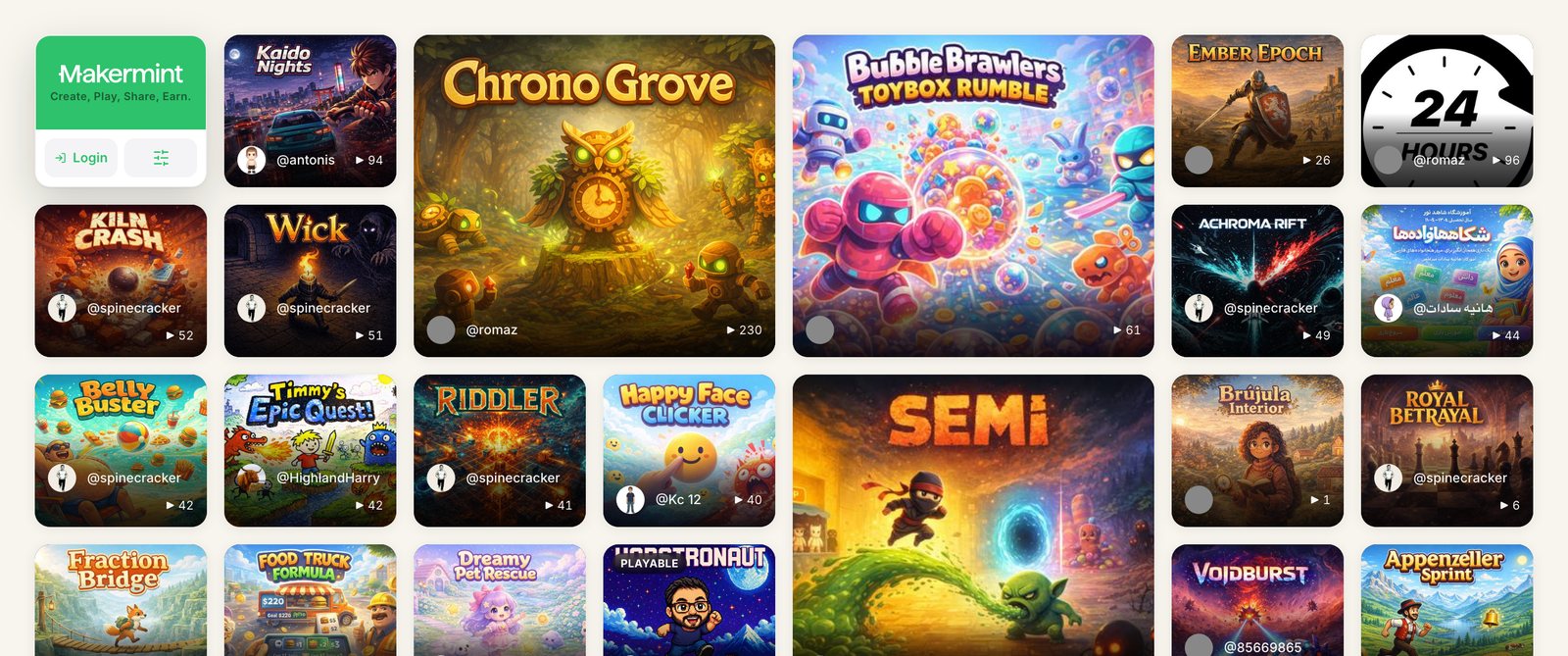
The ten most-played mints sit right after our picks, instead of everything running in the order it was made.
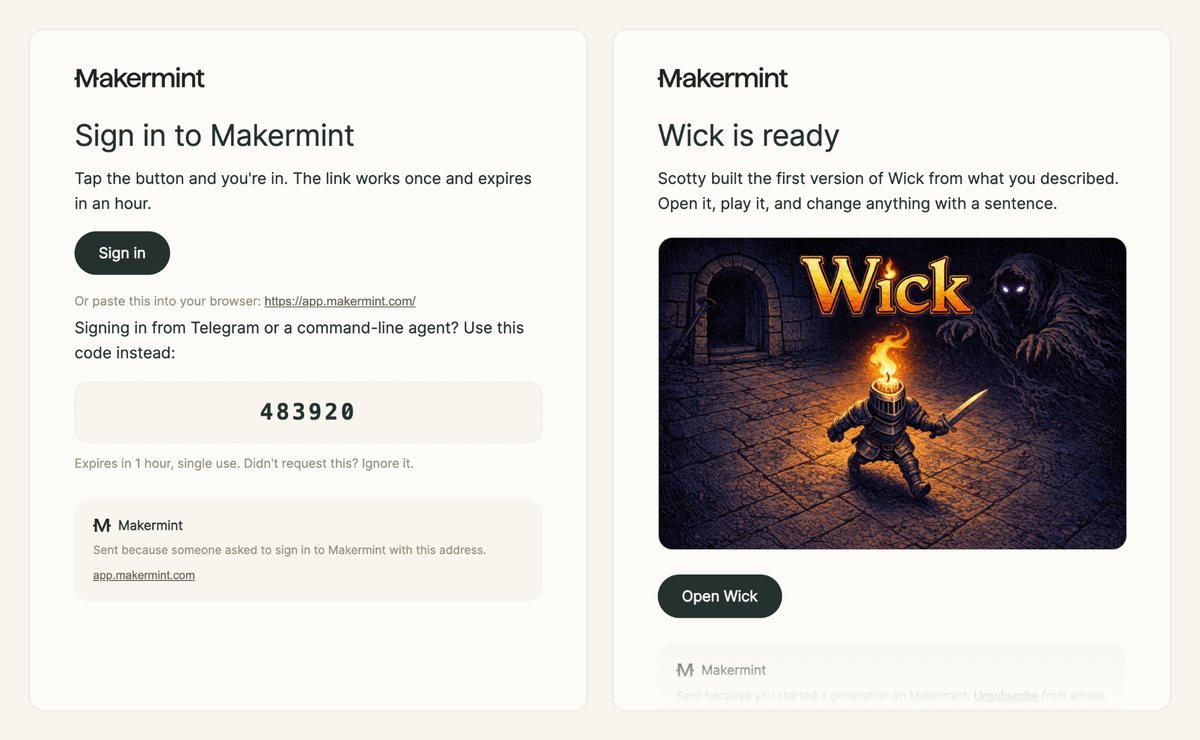
Down to the sign-in link, every message we send uses the studio’s design and reads properly on a phone.
Also in this release
Swap a sound in your mint, or take it out
When a character edit says it’s done, it’s done
New poses are checked for the move you asked for
If one character fails, you keep the others
Describe your idea in a sentence and play it in minutes. No coding, no downloads.