Your first game, in four messagesRead the guide

One selfie in, you as the hero out, starting with the ready-made playables anyone can cast into.
or play one first: Flamingo Fender5-Minute DungeonGobsmack
Casting puts your face on a game character from a single photo. Star in a ready-made playable today; casting into a game you built yourself is a preview, with the controls switched on for the Makermint team while we finish it. The whole preparation is one clear, front-facing photo, and a playable you cast is a game of its own, so nothing you already own changes.
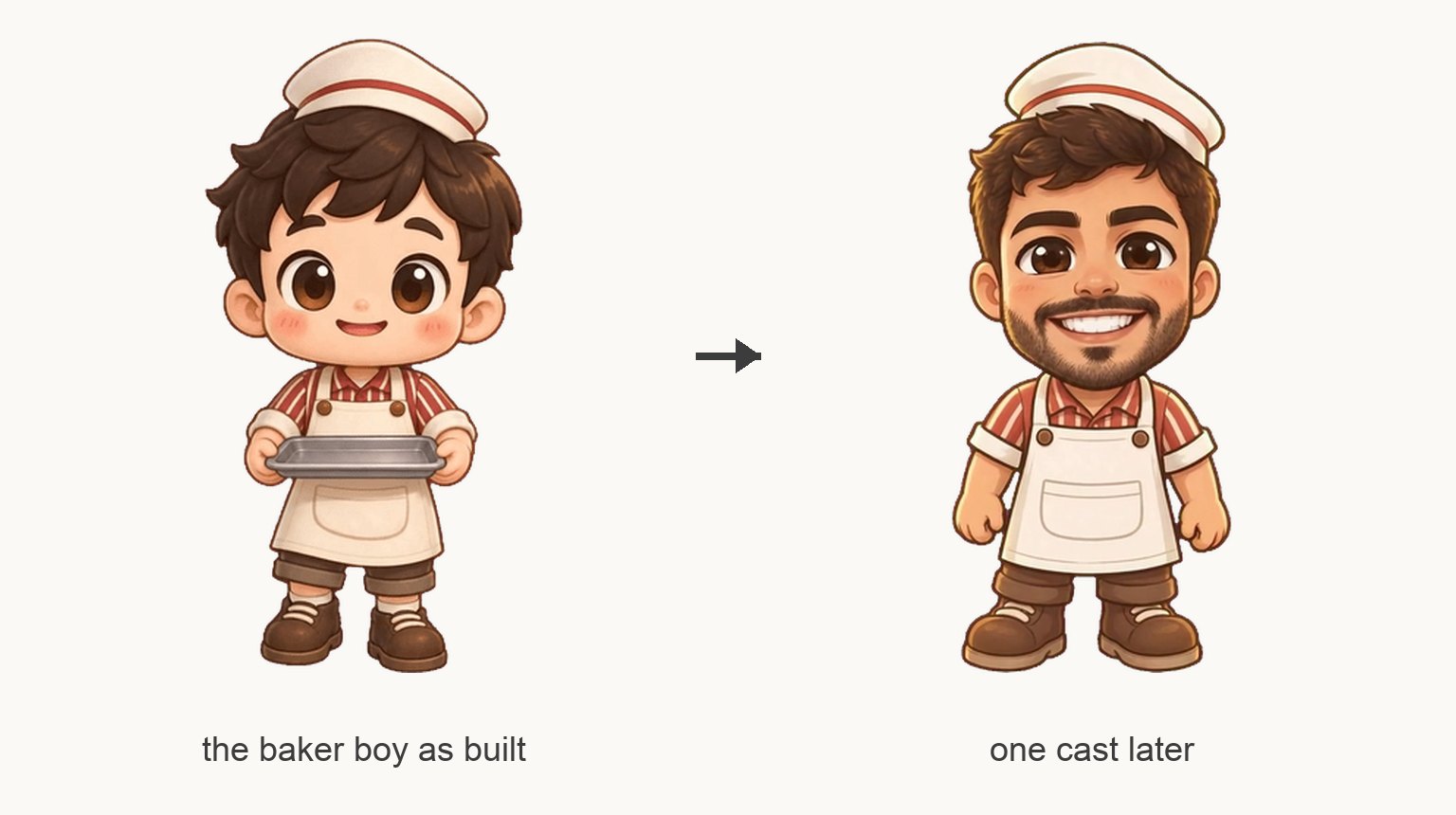
There are two ways to end up in a game, and they share one step: a photo of a face.
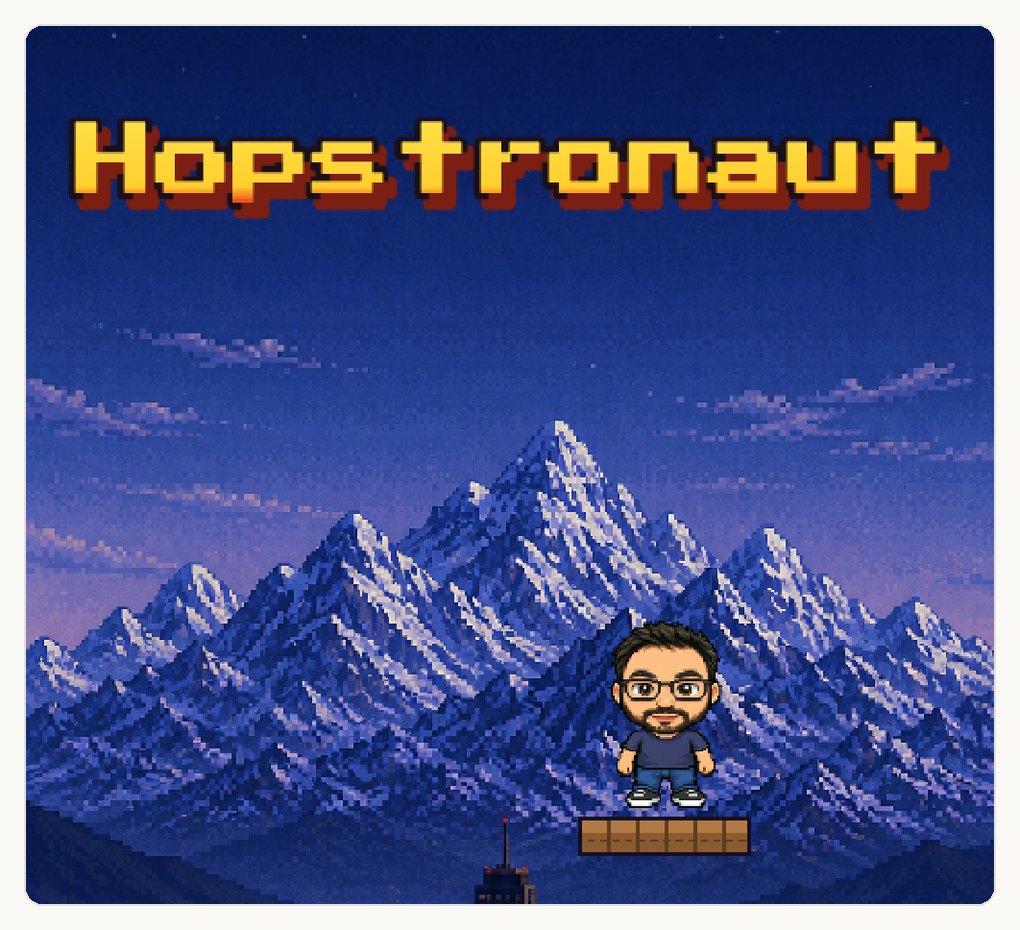
Star in a ready-made playable. Pick one of the mini games on the front page, add your photo, and Makermint casts you as its hero. Nothing to build, nothing to design.
Cast into a game you made. A game you built in the Studio can swap its character for you, when that character is one the game can redraw. The moves, the style and the level stay; the face changes. This one isn't open yet: the controls are switched on for the Makermint team while we finish it, so you won't find them on your games today. It's here because it shows what casting does when it isn't starting from a template.
Casting is optional both ways. Every game works without it.
Everything below happens on the front page, before you have an account.
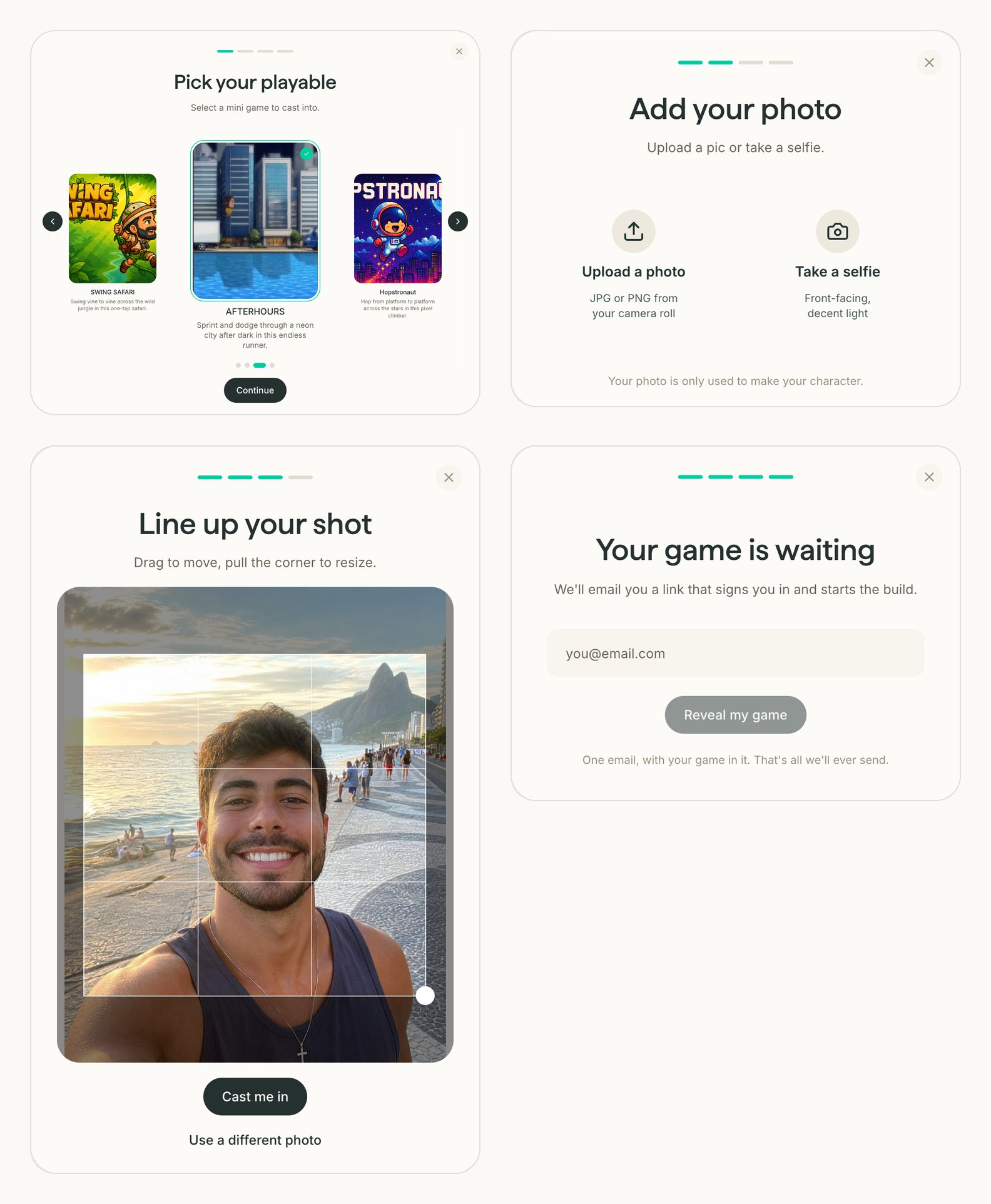
Tap Get started and pick your playable. As you swipe, the card in the middle may play a short clip of the game, so you can see what you're signing up for.
Upload a photo or take a selfie on the spot. Your photo is used to make your character.
Drag the square so your face fills it, then tap Cast me in.
Leave your email. One message arrives with a link that signs you in and starts the build.
On your profile, the new playable shows Casting while your character is made. Then it's ready to play and share.
The controls are still team-only, so this is a look ahead rather than something to follow along with. It lives in the Studio, on a game whose character the game can redraw.
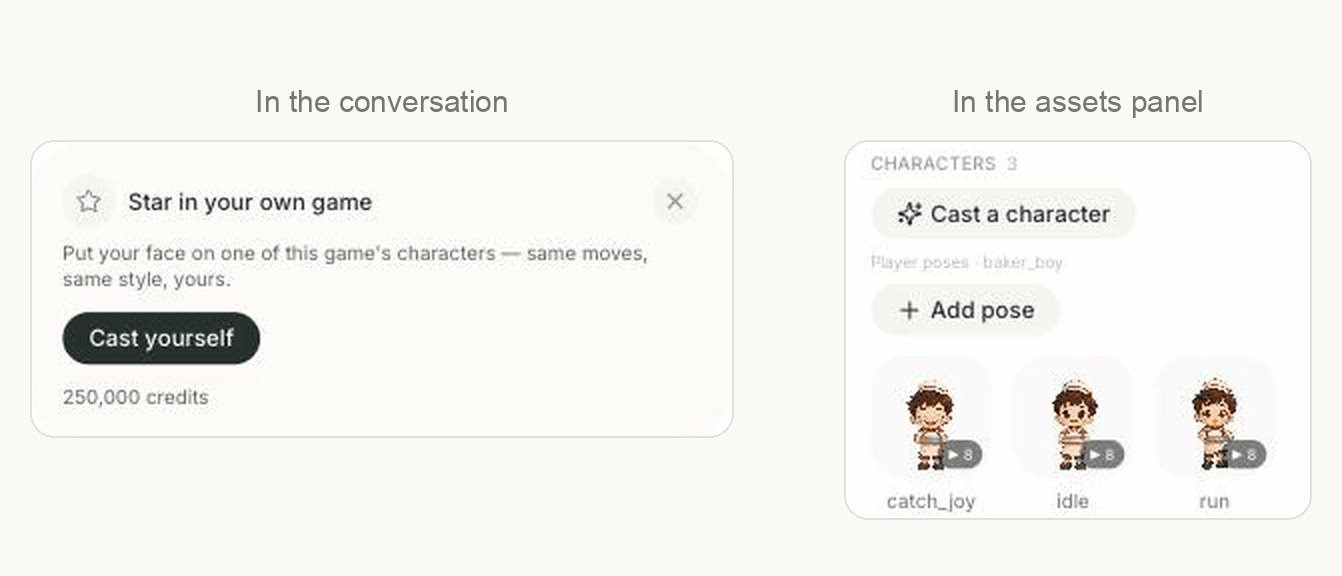
The first time you open a castable game, Scotty offers it in the conversation. Tap Cast yourself, or find the same thing under Cast a character in the assets panel.
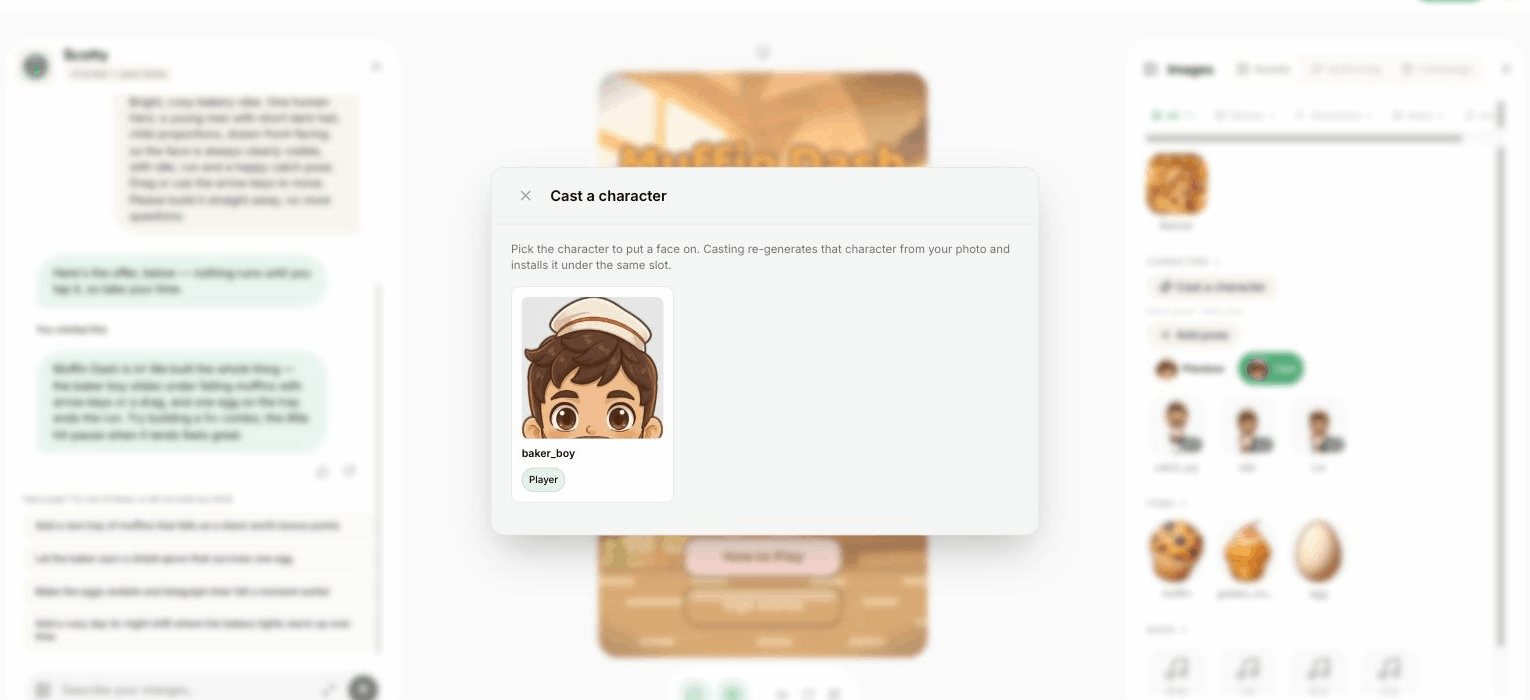
The game lists who's in it. Choose the one you want to become; the player is usually the obvious pick.
One front-facing photo with decent light. Frame your face and tap Crop & continue.
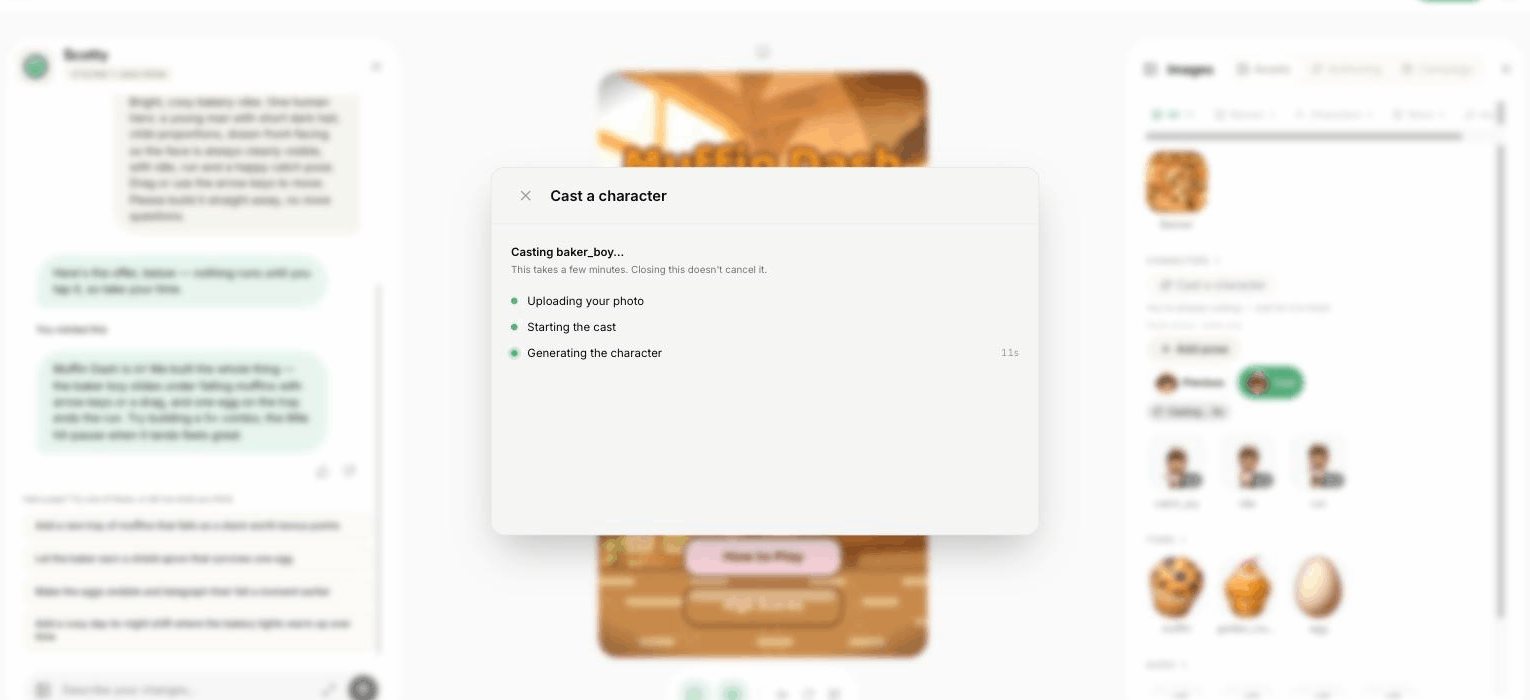
The modal shows three stages and a clock. Closing it doesn't cancel anything, and the game stays playable the whole time.
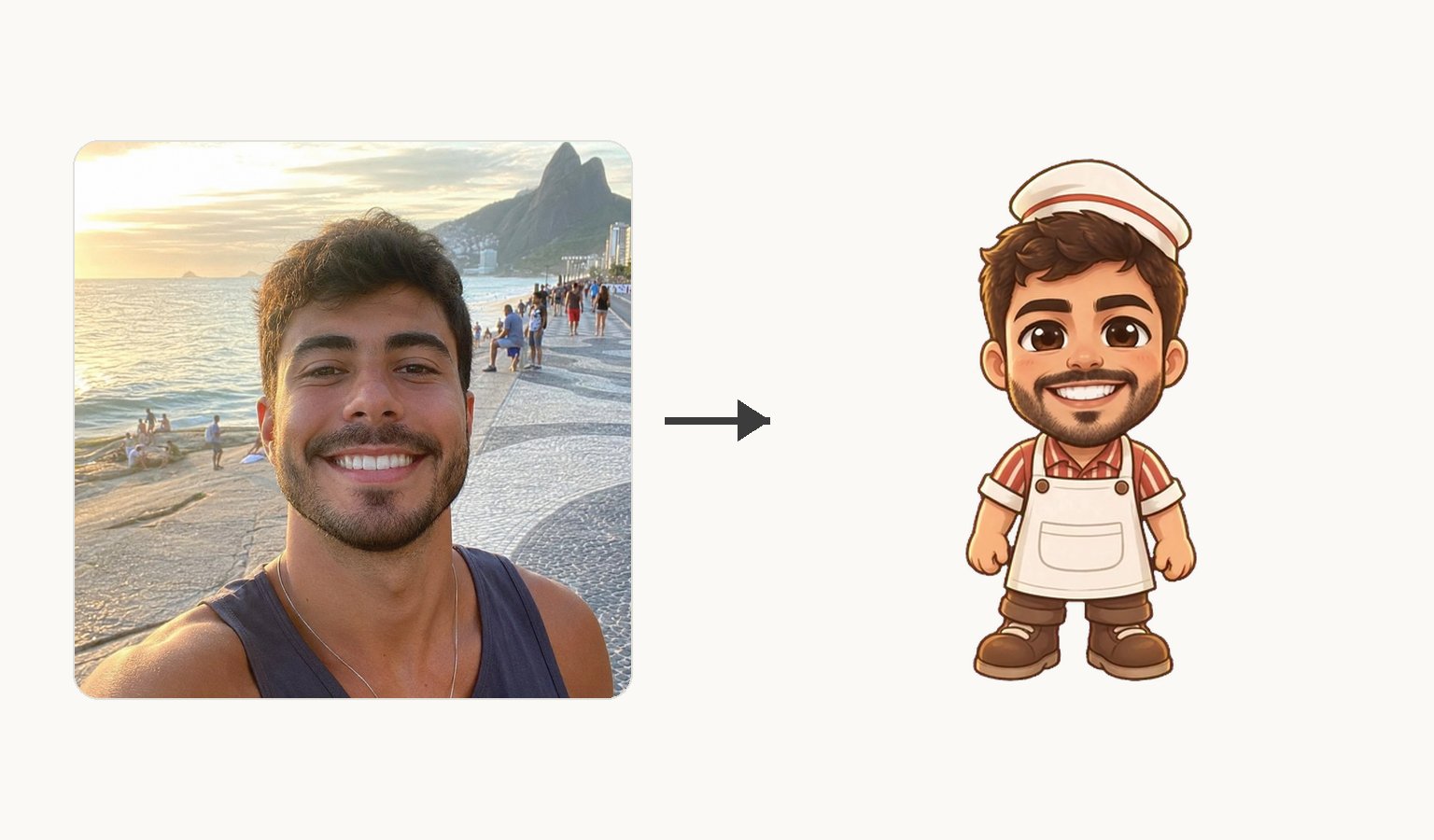
Your look lands in the game itself. The character keeps its original, so you can switch back from the assets panel any time.
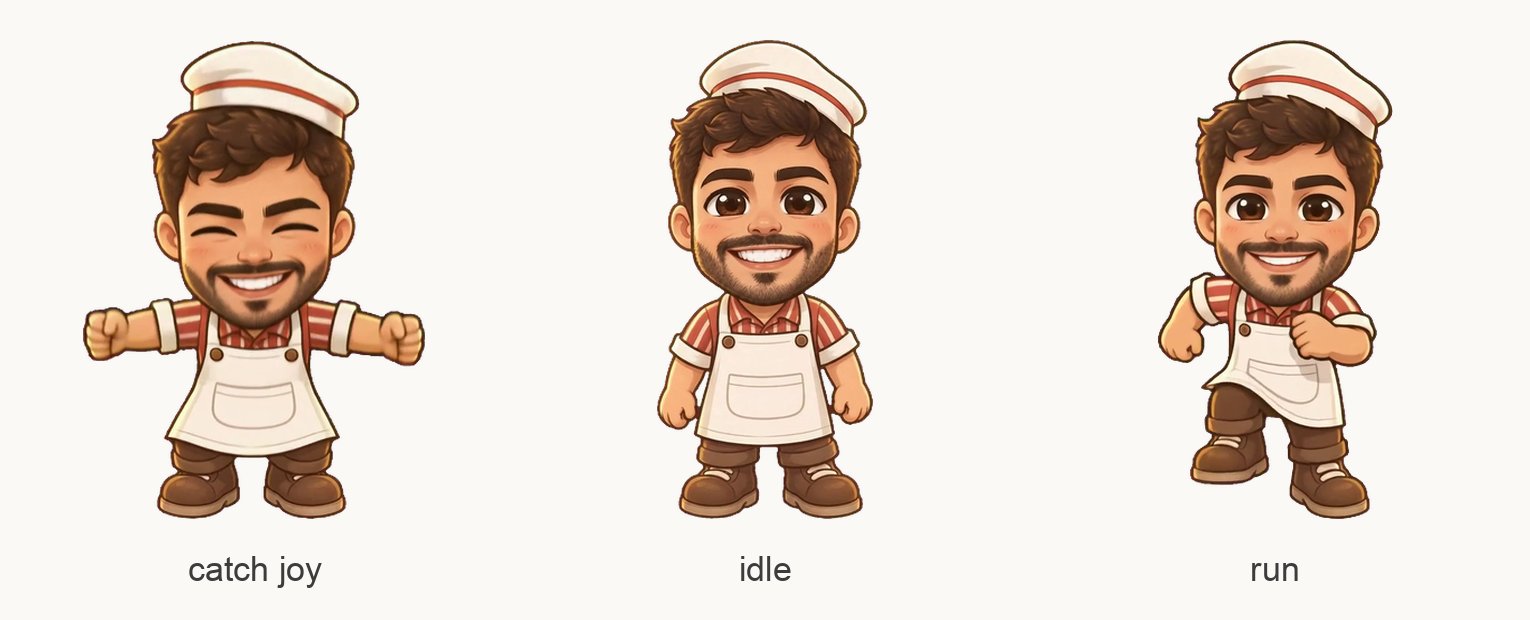
Five stages, each with one job.
Your photo is used to make your character.
This is where the likeness is decided. Everything after it is motion and clean-up, so a photo that reads clearly here reads clearly in the game.
The game decides which moves exist: a catch game needs run and catch, a swinging game needs swing and fall. You don't pick poses; you inherit the character's.
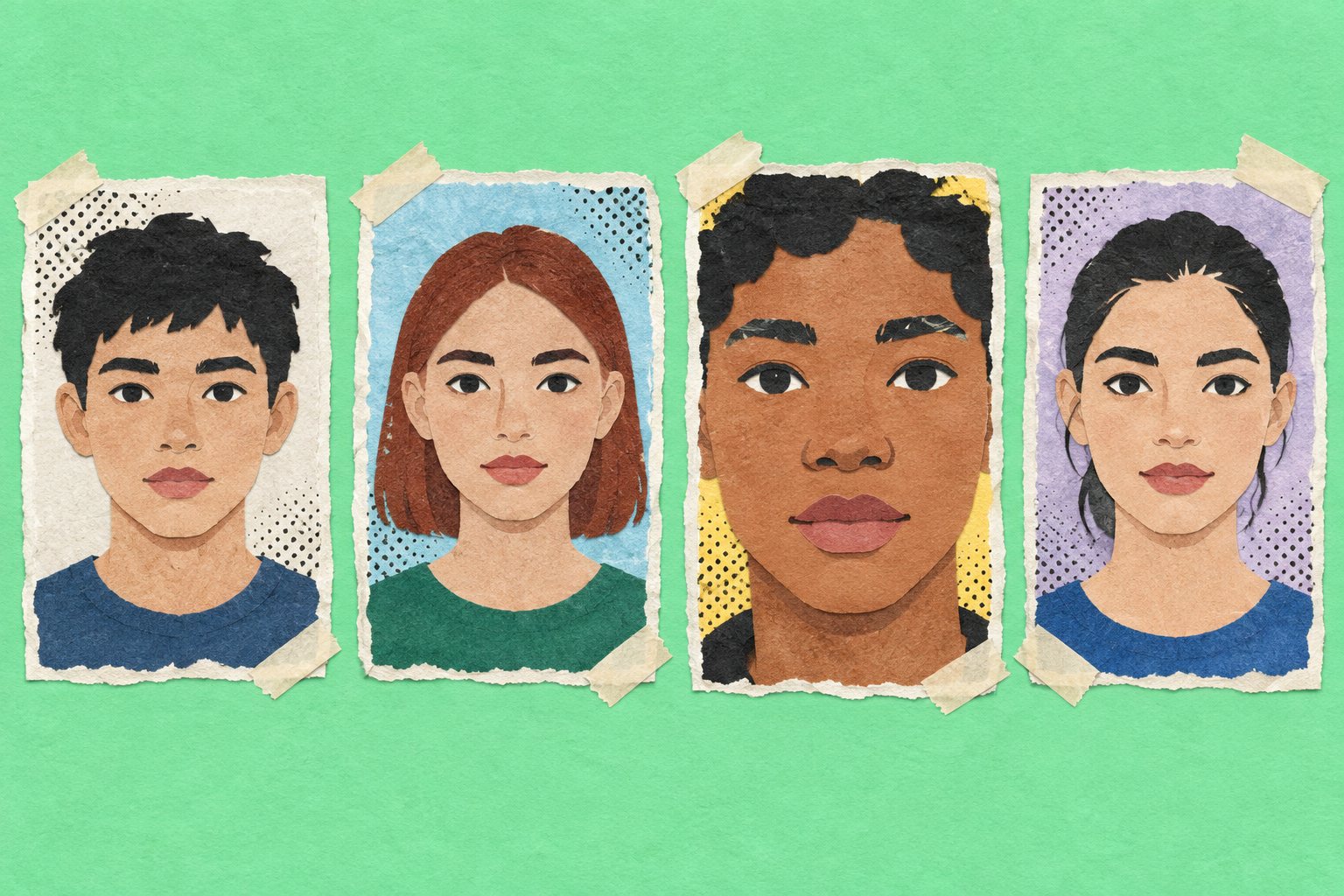
Is my face looking at the camera?
A front-facing photo casts best. Profiles and three-quarter angles lose the features the character is built from.
Is the light even?
Daylight or a bright room, with no hard shadow across the face. A window behind you turns a face into a silhouette.
Does my face fill the crop?
Pull the crop square in tight. A face that's a small part of the frame gives the cast less to work with.
Is anything covering me?
Sunglasses, a low cap or a hand on the chin all hide the parts that make the character yours.
Is it one person?
One face per cast. Crop a group photo down to the person being cast before you upload it.
If no face can be found, the cast stops and asks for a different photo. A cast that doesn't finish isn't kept as a charge.
Cast my dog, my car, or a cartoon.
Ask forDescribe the character you want and let Scotty draw it.
Casting needs a detectable human face; it isn't built for pets or objects.
Put me in a 3D game.
Ask forPick one of the 2D playables and cast into that.
Makermint builds 2D games, and casting works inside them.
Choose my outfit and hairstyle.
Ask forPick a game whose hero already dresses the way you want.
The game's art style and the character's costume decide the look; your photo decides the face.
Cast two friends in one go.
Ask forCast one character at a time, each from its own photo.
Each cast puts one face on one character. A ready-made playable has one character to cast; in the team-only preview, a second cast on another character keeps the first.
While the controls are team-only, the invitation card usually names the price before you confirm, either free or a number of credits; the assets panel opens the same flow without that line. Once a cast lands the card is gone for good. The character's original look is kept there, so you can switch back. A cast that doesn't finish isn't kept as a charge.
Start with door one: it's one photo and one email, and you'll see how your face reads in a game before you build anything. Door two is a preview for now, running on the team's accounts. If you want to be ready for it, develop your own idea and open the Studio to build the game you would want to star in.
A tip from making this lesson: a hero who faces the player shows your face best. If you're building a game to star in, ask for a front-facing character.
And send the link. Every playable starring you gets one.
Not to start. You pick a playable, add your photo and leave an email; the link in that email signs you in and starts the build. The playable then lives on your profile.
Any clear, front-facing photo of one human face. Pets, objects and cartoons won't cast. If no face can be found, the cast stops and asks for a different photo.
A few minutes. From the front page, your profile shows the new playable as Casting while your character is made. While the controls are team-only, a running screen names the stage it's on and keeps a clock, and closing it doesn't cancel anything. Either way the result appears on its own.
Yes. Casting works from whichever photo you upload, so a friend's photo casts them. While the controls are team-only, a game you built can carry a different face on each character, one cast at a time.
It's used to make your character. The game shows the character it made, never the photo.
A playable made from the front page is a game of its own, so nothing else you own is touched, and you can cast a fresh one from a different photo. While the controls are team-only, a game you built keeps the character's original look and switches between it and the cast from the assets panel.
Some casts are free and some cost credits. While the controls are team-only, the invitation card usually names which before you confirm, either that this cast is free or what it costs, and starting from the assets panel opens the same flow without that line. A cast that doesn't finish isn't kept as a charge.
More guides and comparisons
Describe a game in a sentence and play it in minutes. No coding, no downloads. Free during early access.

